This project is scheduled for launch
Launch date: Friday, December 25, 2026 at 08:00 AM UTC
Scheduled
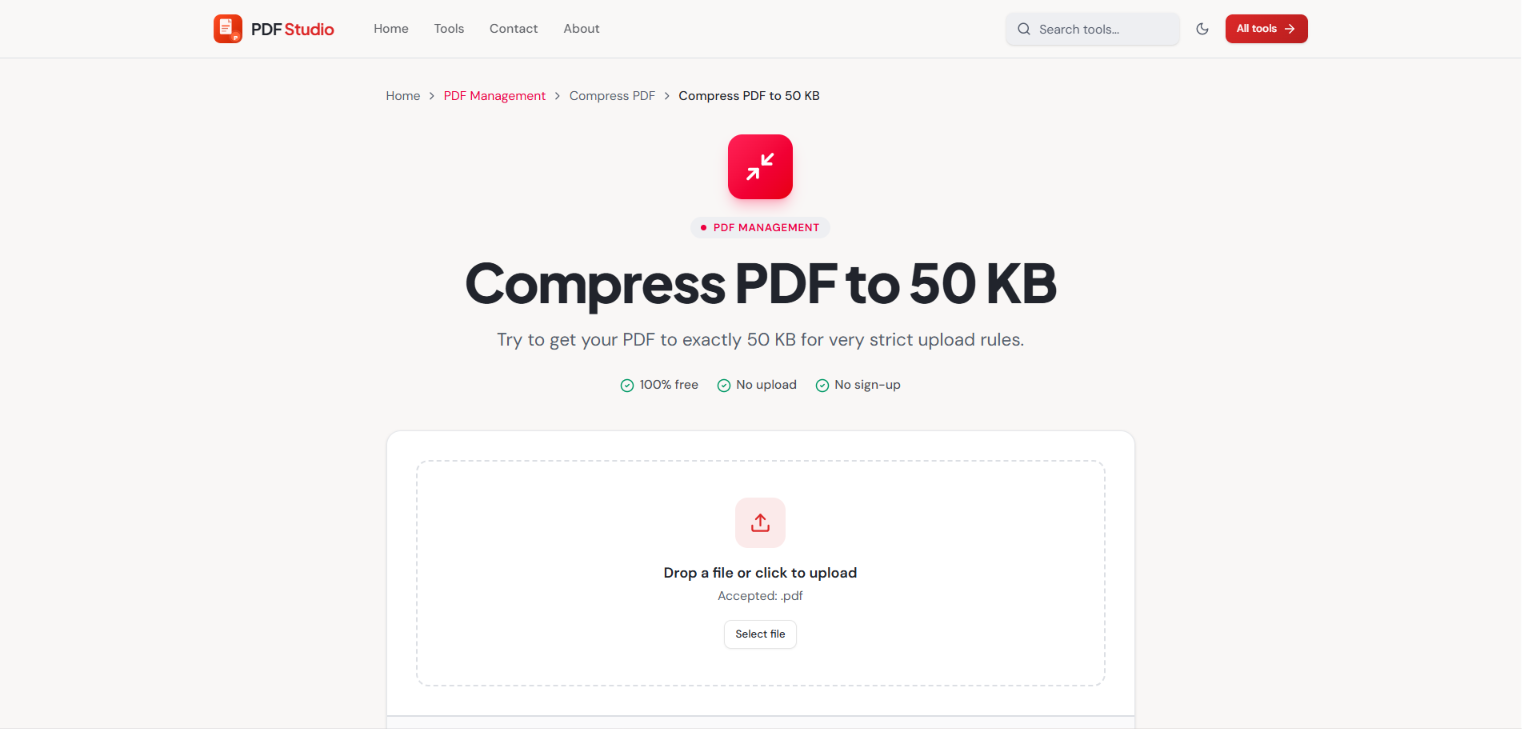
PDF Studio offers a specialized online tool to compress PDF files to an exact size of 50 KB, catering to strict upload requirements. It's a completely free, browser-based solution that ensures user privacy by processing files locally on the device. This tool is ideal for individuals and professionals who need to submit documents like signatures, ID cards, photos, or one-page certificates to forms or job sites with stringent 50 KB PDF size limits.
Another common scenario involves government forms or official submissions that have very specific file size constraints for supporting documents like ID scans or passport photos. This tool ensures compliance, preventing submission rejections due to oversized files. It's also useful for turning images into 50 KB PDFs, especially for black and white or grey images which compress more efficiently.
For users with PDFs already under 50 KB but needing to meet an "exactly 50 KB" rule, the tool intelligently adds empty, invisible space to inflate the file to the required size, ensuring compliance without altering the visual content.
Key Features
- Exact 50 KB Output: Guarantees the final PDF size is precisely 51,200 bytes (50 KB), meeting strict upload criteria.
- No Upload Required: Files are processed entirely in the user's browser, ensuring privacy and security as documents never leave the device.
- Free & Unlimited Use: Offers 100% free service with no sign-up, watermarks, or daily limits.
- Smart Compression: Shrinks image quality while preserving text sharpness, providing the best possible visual outcome.
- Handles Small Files: Automatically adds invisible empty space to PDFs smaller than 50 KB to reach the exact target size.
- Clear Feedback: Informs users of the smallest achievable size if a PDF cannot be compressed to 50 KB.
Use Cases
Imagine applying for a job online where the application portal strictly requires your resume or a scanned certificate to be exactly 50 KB. PDF Studio's "Compress PDF to 50 KB" tool becomes indispensable here, ensuring your document meets the precise specification without hassle. It eliminates the frustration of trial-and-error compression, providing a guaranteed output size.Another common scenario involves government forms or official submissions that have very specific file size constraints for supporting documents like ID scans or passport photos. This tool ensures compliance, preventing submission rejections due to oversized files. It's also useful for turning images into 50 KB PDFs, especially for black and white or grey images which compress more efficiently.
For users with PDFs already under 50 KB but needing to meet an "exactly 50 KB" rule, the tool intelligently adds empty, invisible space to inflate the file to the required size, ensuring compliance without altering the visual content.
Pricing Information
PDF Studio's "Compress PDF to 50 KB" tool is entirely free to use. There are no hidden costs, no subscriptions, no account sign-ups, and no watermarks on the processed documents. It operates on a freemium model for its core functionality.User Experience and Support
The user interface is designed for simplicity and ease of use, requiring just four steps: select file, confirm "Exactly 50 KB" setting (which is automatic), click compress, and download. It runs directly in the browser, eliminating the need for software installation. The website provides a comprehensive FAQ section addressing common questions about file types, size limitations, and usage tips.Technical Details
The tool operates client-side within the user's browser, leveraging web technologies to perform PDF compression without server interaction. This ensures that files remain on the user's device, enhancing privacy and security. It intelligently adjusts image quality to reduce file size while maintaining text clarity.Pros and Cons
Pros:- Guaranteed exact 50 KB output.
- 100% privacy-focused (no upload).
- Completely free with no limits or sign-up.
- Preserves text sharpness.
- User-friendly, browser-based interface.
- Handles both oversized and undersized PDFs to meet the 50 KB target.
- May not fit all complex PDFs (e.g., many pages, color photos) to 50 KB, though it provides the smallest possible size.
- Scanned pages might appear slightly soft after compression.
- Specific to 50 KB; other tools needed for different target sizes (though PDF Studio offers them).
Conclusion
PDF Studio's "Compress PDF to 50 KB" is an invaluable, privacy-centric online utility for anyone facing strict PDF file size requirements. Its ability to precisely hit the 50 KB mark, coupled with its ease of use and commitment to data privacy, makes it a top choice for document preparation. Explore PDF Studio's suite of free tools to streamline all your PDF management needs.Comments
Comments will be available once the project is launched.
Publisher

Launch Date2026-12-25
Platformweb
Pricingfree
Tech Stack
#web
Outbid
View🥇 🥈
 🥉
Want this spot? Pay what you wantBest Launch Directories: launch directories with DR, traffic and pricing
Launch directories, product launch platforms and startup listing sites in one table, with Domain Rating by Ahrefs, traffic where known, pricing and link type for each.
$50
Boost Your Domain Rating — DoFollow Backlinks (DR 30–70) from $30
Raise your Ahrefs Domain Rating with 5 - 50 dofollow backlinks from DR 30–60 sites — from $50, guaranteed to improve your DR or your money back.
$45
DirEasy - The Best Directory Boilerplate with AI | DirEasy
The best directory boilerplate, packed with AI, Listings, Payment, Submission, CMS, Blog, Authentication, Newsletter, SEO and more.
$41